When AI started getting huge, I decided to dabble with it just like everyone else.
My first attempt at creating an AI-generated image was, well…not very successful. Turns out, AI still has some issues understanding how human hands and feet work. The end result was terrifying.
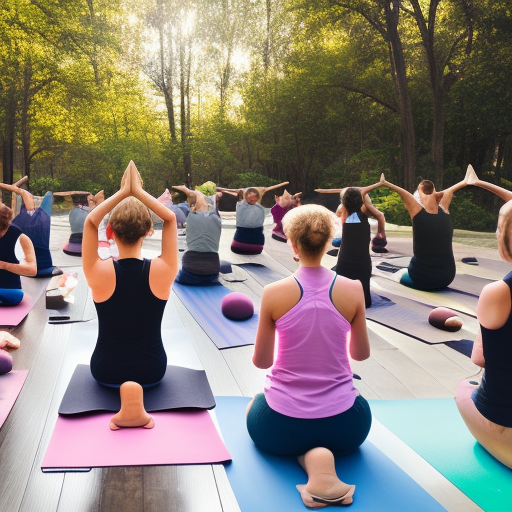
Weird feet aside, getting the right image or text from your AI generator can feel like bashing your head against the wall. Especially if you have a very specific result in mind.
The good news is, you can teach yourself how to write AI prompts that give you a better chance at the results you want. And once you find prompts that generate beautiful images, you might even be able to sell those prompts. Here’s how to start.
7 tips for writing AI prompts that get you the results you want
1. Use AI text generators like ChatGPT to create image prompts
Shoutout to my coworker who gave me the idea to use ChatGPT or another AI text generator to craft image prompts. Granted, you’ll likely need to adjust the prompts the AI gives you, but they can be an excellent jumping-off point.
2. Put the most important parts of your prompt at the beginning
Make sure you lead with the most important aspect of your prompt.
For example, if you absolutely need the image generated to be a cat, describe the cat first. Then add your style, lighting, and other modifiers.
3. Make your prompt clear and concise
Don’t add fluff to your prompt, it will just confuse your AI. If you need help with concision, try running your prompt through an editor like the Hemingway App or Grammarly.
On a similar note, don’t go overboard with the adjectives. Select a few key terms to describe the subject of your image or text, then give it a spin and see what the AI spits out.
4. Try variations and upscaling
Most AI art generators, if not all, allow you to take generated images and vary or upscale them.
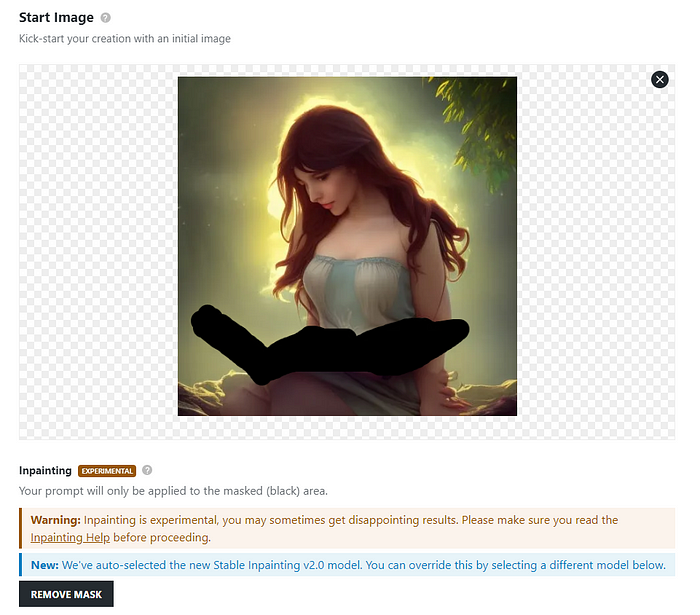
Variations allow you to change the prompt or mask a portion of the image and ask the AI to regenerate just that specific area.
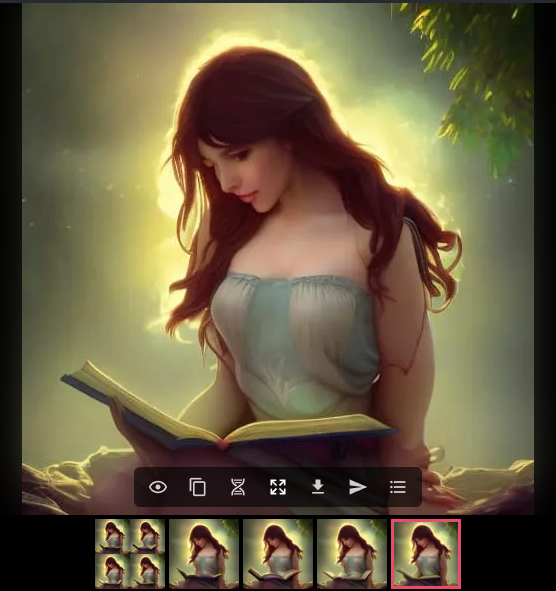
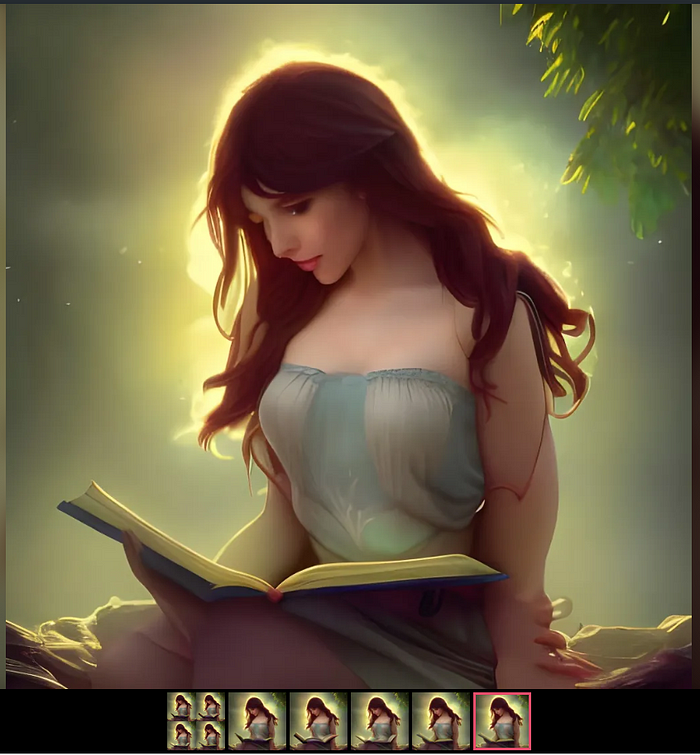
Upscaling enhances the details of your generated image and makes it larger as well. Sometimes upscaling also adds additional small details.
5. Use a prompt cheat sheet
Sometimes a cheat can help you piece together the prompt you want. Otherwise, the world is your oyster and the sheer number of options can be overwhelming.
Saxifrage has a visual prompt builder that can be really helpful, especially if you need to brush up on your classical artists or art styles. There’s also a text version hosted as a Google Sheet that includes tips and links to other resources.
6. Look at prompts other creators use
This tip is one I’ve used a lot when creating my own images. If I spot an AI-generated image I really like, I’ll note the style or characteristics noted in the prompt.
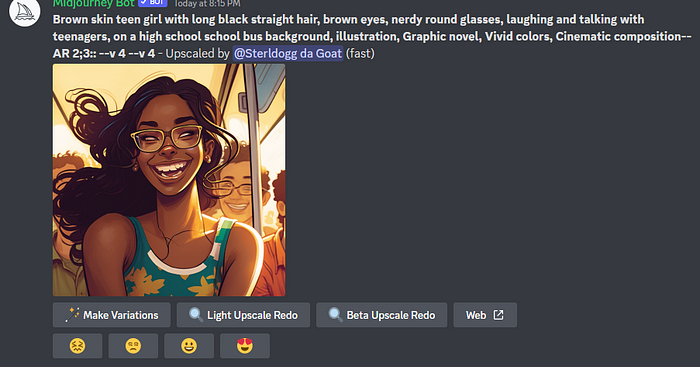
One great place to take note of image prompts is the Midjourney Discord. This AI art generator is free to use for about 25 images, after that you’ll need to pay to continue creating your own AI art. But even after your trial expires you can stay in the Discord server and check out all the fantastic artwork and prompts other users post.
7. Try different AI art generators
Not all AI art generators produce the same quality of images. Some have learned different styles and from different artists (hopefully with permission!). So if you’re not getting the images you want out of one AI art generator, try another.
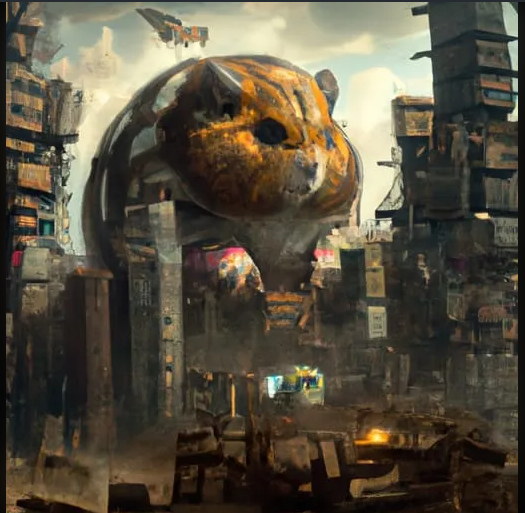
Sometimes you can try multiple AIs within one platform. NightCafe is one place where you get 5 free daily credits to use with DALL-E or Stable Diffusion. Here’s a quick look at how DALL-E and Stable Diffusion images compare when given the same prompt.
Prompt: a giant hamster destroying a city, epic, cinematic, brilliant, stunning, intricate, meticulously detailed, dramatic, atmospheric, maximalist, digital matte painting
Stable Diffusion
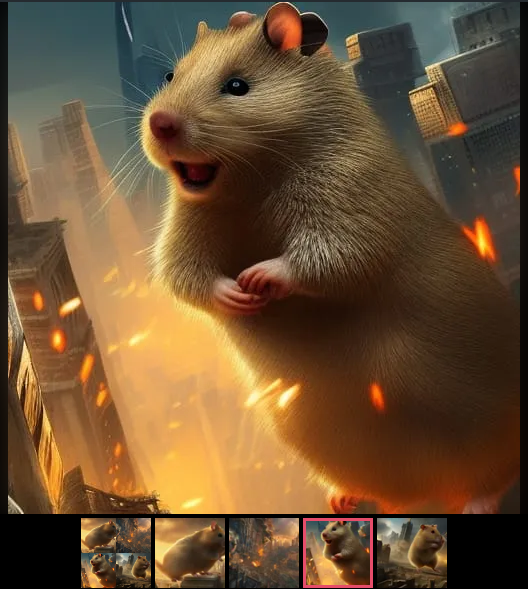
DALL-E 2
How to make money selling AI prompts
Should we be surprised that there’s already an AI art prompt marketplace? Probably not.
PromptBase allows you to sell prompts for various AIs, including DALL-E, Midjourney, and GPT-3. Along with a title, description, and noting which AI art generator you used, you’ll need to provide the prompt and a sampling of images you created with it.
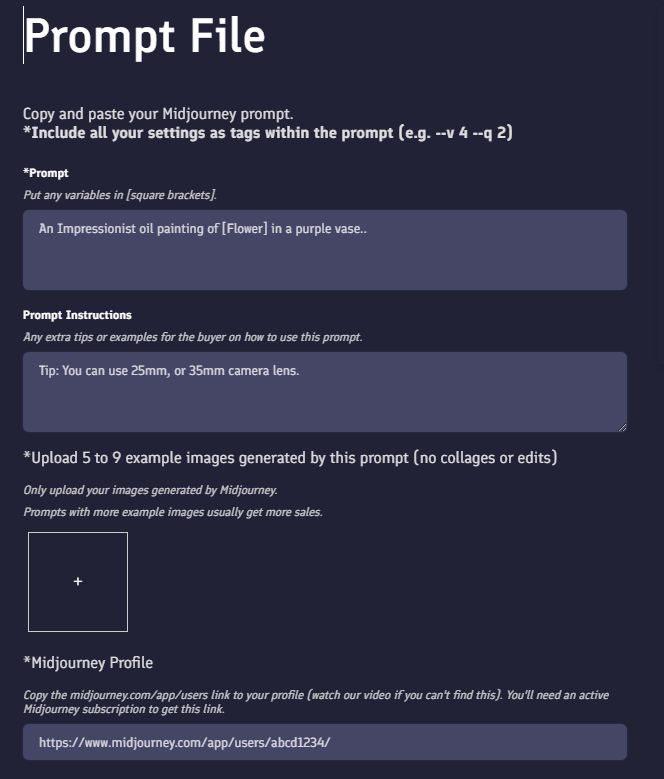
Prices for prompts range from $1.99 to $9.99, but PromptBase also reserves the right to change your suggested pricing when it verifies and approves your prompt for sale in the marketplace. While this doesn’t seem like a lot, imagine the compound earnings you could accrue if your prompt is popular and downloaded by several users.
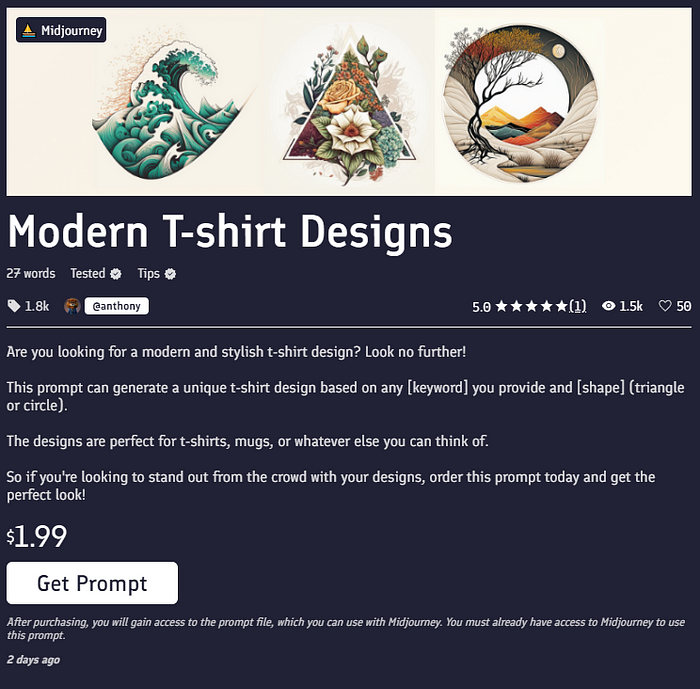
For example, this Modern T-shirt Designs Midjourney prompt has sold 1,800 times for $1.99 each time. That adds up to over $3,500 earned from one prompt. $3,500!
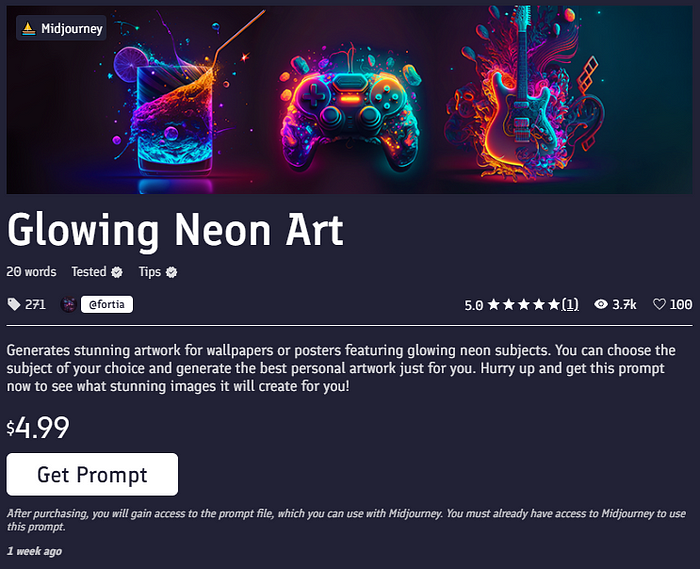
And even prompts that have sold in smaller numbers can still earn some serious cash. This Glowing Neon Art Midjourney prompt has sold 271 times, and at $4.99 a pop, that amounts to about $1,300.
If images aren’t your jam, you can also try your hand at selling prompts for tasks like this SEO blog post creator prompt made for GPT-3.
Whatever you choose, take a peek at the trending and most popular prompts to gather ideas for what people are looking for on PromptBase.
A quick note on AI art plagiarism
One of the issues facing AI art generators is plagiarism. Some AI art tools scraped images from sites like ArtStation and DeviantArt, and because of this now generate art in the style of artists — without the artists’ permission.
While it’s difficult to know whether the AI image generator you’re using has plagiarized artists, you can do your part to support artists and avoid using prompts with specific modern artists’ names, such as Greg Rutkowski, and art sites, such as Artstation.
When in doubt, it’s best to use classical artists and art styles as your inspiration. Especially if you plan to sell the prompts that create your image.
Needless to say, writing AI art generator prompts can be a fun and profitable side hustle. All you need is attention to detail, an understanding of what people need help creating, and an understanding of how to craft effective prompts.
So how about you, will you give PromptBase a try?